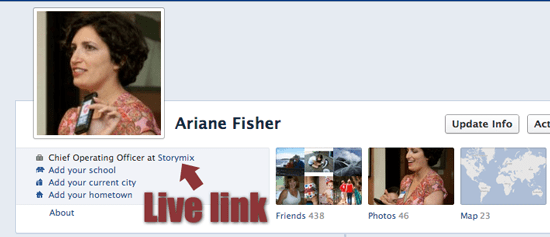
How to Create a Live Link to Your Business Page from Your Personal Timeline in Facebook

My friend called today wanting to know how to link his business page to his fan page. He has over 2000 Facebook friends, but not many of them see his page, and he doesn’t want to keep posting requests for them to like his page. It takes less than a minute to get an easy live link right below your profile photo in your personal timeline in Facebook. Honestly, it’s one of the few processes Facebook hasn’t yet hidden or made incredibly difficult.

Feel free to make fun of my invisible timeline cover image. To be honest, I pretty much just use Facebook for business. As far as my friends are concerned, I hardly ever post. Little do they know how much time I spend in secret networking groups. 🙂

Check out this quick video to see how easy it is to create a live link. Make sure you ignore the noise of my disc publisher in the background. I’m a video editor, remember?
How to Get a Direct Link to a Facebook Status Post

We all want better engagement on our Facebook pages, right? But Zuck no longer lets you tag fans of your page. So how do you let someone know that you posted about them in a status update? Or ask the twitterverse to comment on a specific post?

At Storymix, we email direct links to our clients. If the post contains photo or video, you can click on the media to get a direct URL link, but that doesn’t work with a status update. Watch this 30 second video to see how simple it is to share a status update link:

And here’s the lowdown in 8 easy steps if you are video-phobic:

  1. Go to your wall. Duh.
  2. Click on the time or date right beneath your page name on the status update itself (next to your thumbnail image)
  3. It will take you to a new page with just the status update. You can then grab the URL from your browser.
  4. Post on Twitter, email, etc.
  5. Grab a beer.
  6. Drink it.
  7. Drink more.
  8. Sleep.

The Kiss of Death for Pinterest SEO

So I thought I was this big expert on Pinterest, right? I ran all these experiments on getting the best SEO from your pins. I was getting great traffic. Then I ran this Pin to Win Your Wedding contest and got NOTHING! Very little traffic. What the…??????

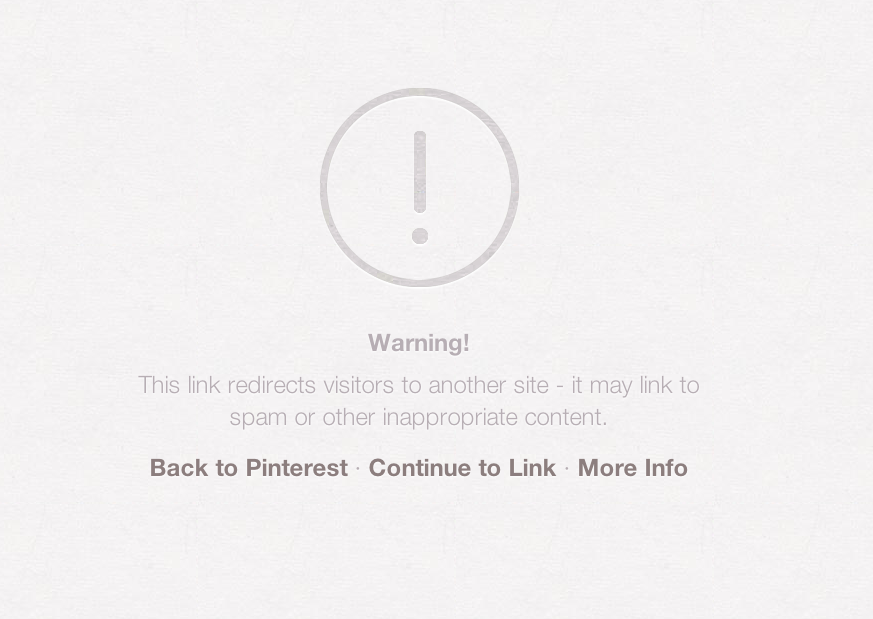
I thought I was so smart using these shortlinks so they would look good on my pins. You know shortlinks… http://wp.me/p1oDYa-Dn instead of http://blog.storymixmedia.com/2012/07/pin-and-win-your-wedding/  Well it turns out that is the kiss of death. Pinterest does this when someone clicks it:

pinterest SEO "angel of death"
This is Pinterest sucking the life out of your SEO

Now, be honest. If you saw that toxic warning, would you click through?

If you actually do want SEO from Pinterest, I highly recommend watching this quick YouTube video from Kathy at BrideAppeal. It worked for me. That is, until I decided to get all cute with the links: